If you run an agency, reporting is not just a task. It is part of your product. Clients don’t see your internal systems. They see the dashboard. That dashboard shapes how they judge your work, your clarity, and your professionalism.
Most agencies start with basic reporting. A few dashboards. Some screenshots. Maybe a Google Sheet. It works for a while.
Then growth exposes the cracks.
More clients mean more reports. More data sources. More questions. What used to take 30 minutes now takes hours. That’s when the choice of dashboard platform starts to matter.
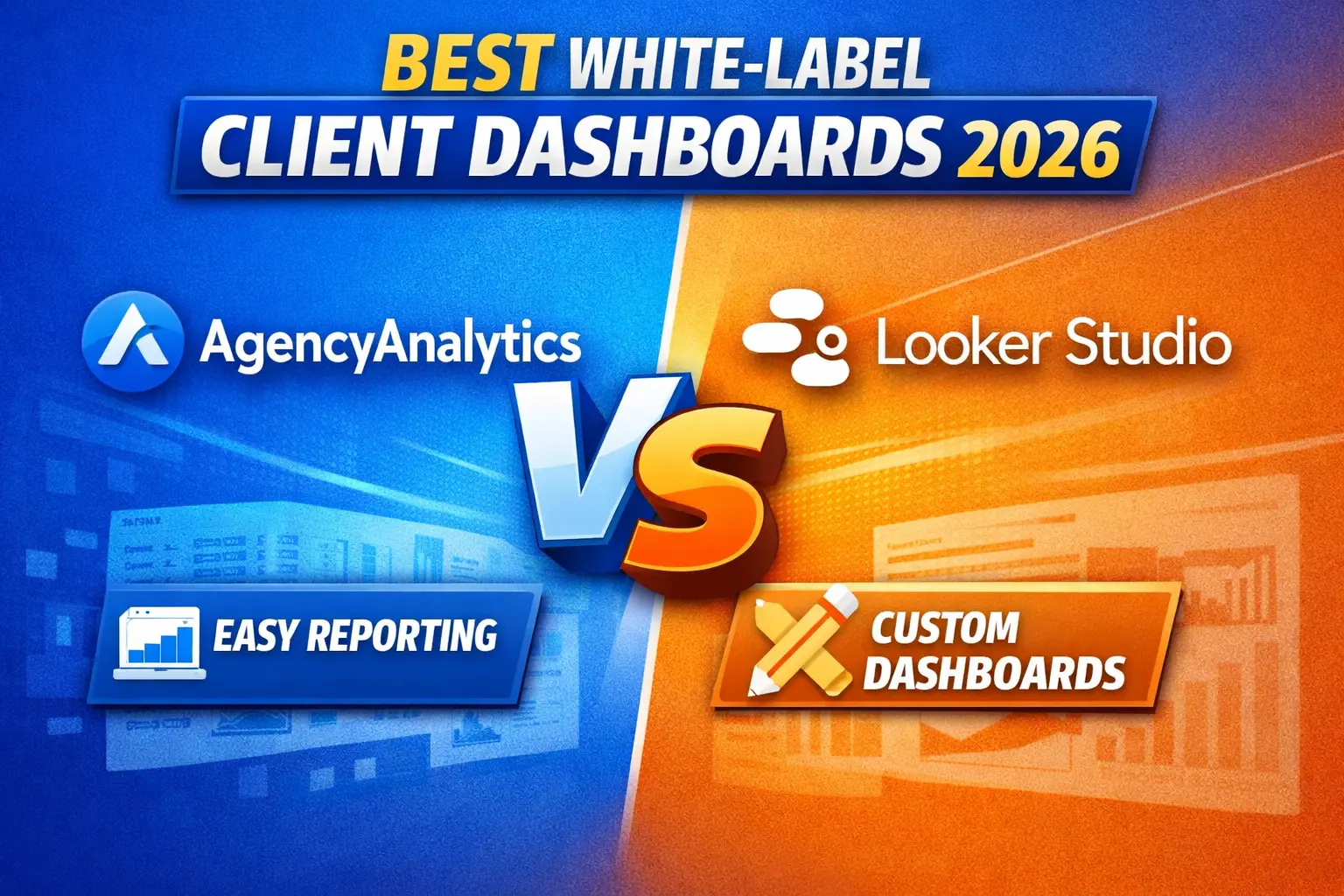
This guide breaks down two of the most common options: AgencyAnalytics and Looker Studio. Not from a feature list, but from how they perform in real agency workflows.
What “White-Label Dashboard” Actually Means
Before comparing tools, it’s important to define the goal.
A white-label dashboard should:
- Show your brand, not the tool’s
- Use your domain or portal
- Deliver reports without manual work
- Give clients a clear view of performance
If it fails in any of these, it creates friction. Clients get confused. Teams waste time. Trust drops.
This is where many agencies make a mistake. They choose a tool based on flexibility instead of delivery.
AgencyAnalytics: Built for Agencies From Day One
AgencyAnalytics is designed around one thing: client reporting at scale.
From the start, everything is structured for agency workflows.
You connect your data sources, choose a template, and generate a client-ready dashboard. No need to design from scratch.
What stands out
The biggest advantage is speed.
You can onboard a client and have a fully branded dashboard ready the same day. Reports can be scheduled and sent automatically. No manual exports. No copy-paste work.
White-labeling is straightforward:
- Custom domain
- Your logo and colors
- Branded email reports
Clients log in and see your brand, not the platform.
Where it performs best
AgencyAnalytics works best when:
- You manage multiple clients
- You offer repeatable services (SEO, PPC, social)
- You want consistent reporting across accounts
It removes the need to rebuild dashboards for every client. That consistency is what allows agencies to scale without increasing workload.
Looker Studio: Powerful but Requires Work
Looker Studio (formerly Google Data Studio) is a different type of tool.
It is a data visualization platform, not an agency system.
You get full control over how dashboards look and function. You can connect multiple data sources, build custom charts, and design reports exactly how you want.
That flexibility is its strength.
What stands out
Looker Studio is free. That makes it attractive, especially early on.
It also integrates deeply with Google tools like GA4, Google Ads, and Sheets. If your data lives in Google’s ecosystem, setup is straightforward.
Where it struggles
The problem shows up at scale.
White-labeling is limited. You can customize visuals, but not fully control the client experience. There’s no built-in client portal or structured delivery system.
Automation is also limited. Reports can be shared, but not managed like a product.
As your client count grows, maintenance becomes the issue:
- Fixing broken data connections
- Updating templates manually
- Managing access for each client
What was flexible becomes time-consuming.
AgencyAnalytics vs Looker Studio: Direct Comparison
1. Client Experience
AgencyAnalytics delivers a clean, guided experience. Clients log into a branded portal and see exactly what they need.
Looker Studio gives you control, but no structure. The experience depends on how well you build it.
If you want consistency across clients, AgencyAnalytics wins.
2. White-Labeling
AgencyAnalytics offers full white-label support out of the box. Custom domain, branding, and report delivery are all built in.
Looker Studio requires workarounds. You can style reports, but full branding control is limited without extra tools.
For agencies positioning themselves as premium, this difference matters.
3. Setup Time
AgencyAnalytics is fast to deploy. Templates and integrations reduce setup time.
Looker Studio takes longer. Every dashboard needs to be built or customized.
At small scale, this is manageable. At larger scale, it becomes a bottleneck.
4. Automation
AgencyAnalytics automates reporting fully. Dashboards update automatically, and reports can be scheduled without manual work.
Looker Studio updates data, but report delivery and workflow still require manual steps or external tools.
Automation is where AgencyAnalytics creates leverage.
5. Scalability
This is the deciding factor.
Looker Studio works well for a few clients. It struggles when you manage many.
AgencyAnalytics is built for scale. The more clients you add, the more time it saves.
When Looker Studio Makes Sense
Looker Studio is a good choice if:
- You are a freelancer or just starting
- You need full control over custom dashboards
- You want a free solution
It gives flexibility without cost.
But understand the tradeoff. You are trading time for flexibility.
When AgencyAnalytics Is the Better Choice
AgencyAnalytics makes sense when:
- You manage multiple clients
- You offer standardized services
- You want to reduce manual reporting work
- You care about branded client experience
At this stage, time becomes your most valuable resource. Automation and consistency matter more than customization.
Hidden Cost Most Agencies Ignore
Many agencies focus on software cost. They overlook time cost.
If a tool saves you 5–10 hours per week, it pays for itself quickly.
Looker Studio is free, but requires ongoing maintenance.
AgencyAnalytics costs money, but reduces workload.
The real decision is not price. It’s how you want to spend your time.
Final Verdict
Both tools are good. They serve different stages.
Use Looker Studio if you are early and need flexibility.
Switch to AgencyAnalytics when you start scaling and need systems that support growth.
Your dashboard is not just a report. It is part of your service.
If it is clear, branded, and automated, clients trust you more.
If it is messy or inconsistent, they start asking questions.
Choose the tool that supports the level you want to reach not just where you are today.