The Anatomy of a 2026 Enterprise Headless Commerce Stack
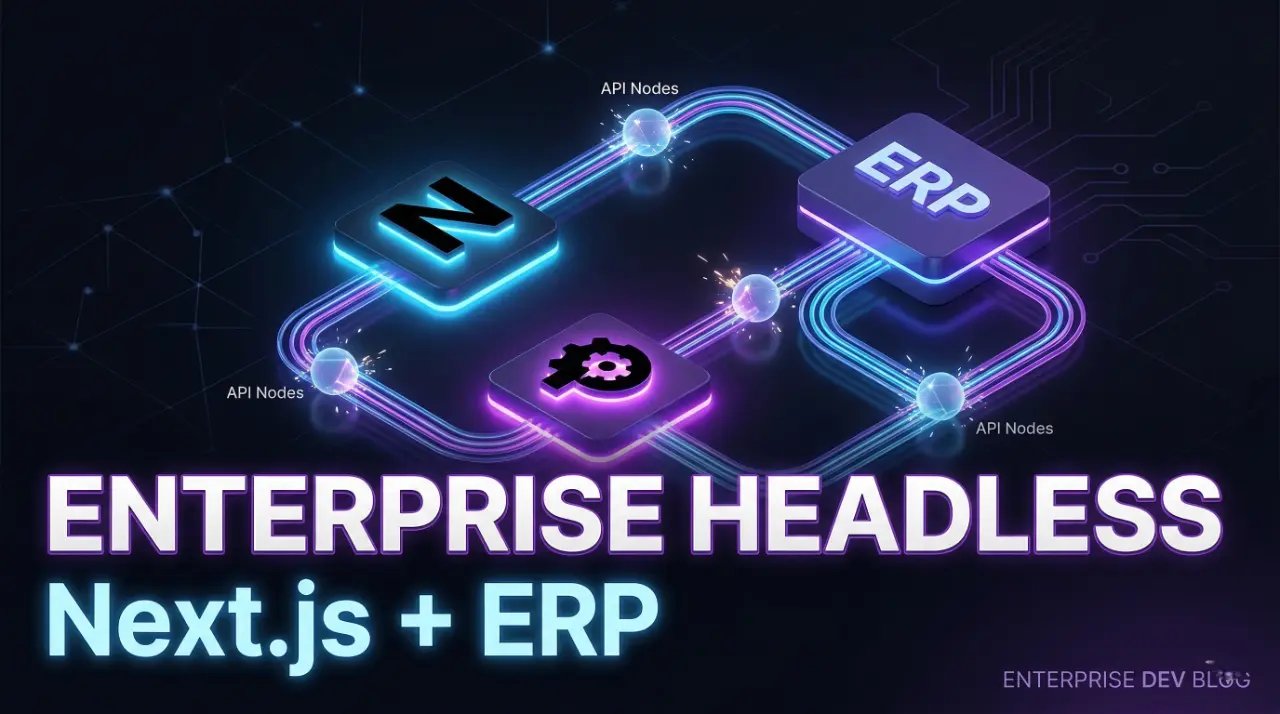
A 2026 enterprise headless commerce stack is no longer a monolith. It is a distributed system where each layer owns a specific responsibility and communicates through APIs and events. The frontend, typically built with Next.js App Router, handles rendering and user interaction. A headless CMS manages marketing content, while a dedicated PIM controls product data, variants, and attributes. The ERP sits at the core, acting as the system of record for inventory, pricing, and orders. A Merchant of Record layer handles payments, tax, and compliance.
This separation is not optional at scale. Each system is optimized for its domain, and forcing one system to handle everything creates performance bottlenecks and data inconsistency. The architecture depends on clear data contracts, shared identifiers, and event-driven updates to keep all layers synchronized. When implemented correctly, this model allows teams to scale frontend performance, backend reliability, and operational complexity independently without breaking the system.
The Frontend: Next.js App Router at the Edge
In this architecture, the frontend is not just a presentation layer. It acts as the orchestration layer that pulls data from CMS, PIM, and ERP, then renders it as a single response. Next.js App Router shifts rendering to the server by default, which removes the need for client-heavy data fetching and reduces hydration overhead.
Running at the edge changes performance expectations. Pages are pre-rendered, cached, and served from locations close to the user. Data fetching uses the extended fetch API with built-in caching and revalidation, so responses are fast and consistent. Instead of rebuilding entire pages, the system invalidates specific data segments using tags or paths when upstream systems change.
This model requires discipline. Every data request must define its caching behavior, and every backend system must be able to trigger revalidation. When done correctly, the frontend delivers sub-second load times while staying synchronized with real-time inventory and pricing.
Server Actions for Cart & Checkout Mutations
Cart and checkout logic now runs on the server, not the client. Server Actions remove the need for a separate API layer by allowing mutations to execute directly inside the Next.js backend. This keeps sensitive operations like pricing, discounts, and inventory validation off the browser and under full server control.
Each mutation becomes a controlled entry point. When a user adds an item to the cart or updates quantity, the action runs server-side, validates against ERP or pricing services, and returns a consistent state. There is no risk of client-side manipulation or stale pricing logic.
This approach also simplifies architecture. Instead of maintaining REST endpoints or GraphQL resolvers for every interaction, the frontend calls Server Actions directly. Combined with edge rendering and cache revalidation, this creates a tighter loop between user interaction and system state without exposing critical business logic.
Edge Caching for Sub-Second Page Loads
Edge caching is what makes this architecture feel instant. With App Router, responses are cached by default and served from edge nodes close to the user. Product and content pages are rendered once, then reused until invalidated. This removes repeated origin calls and keeps latency low even under heavy traffic.
Caching is not just time-based. Next.js allows tag and path-level invalidation, which means you can update only the data that changed. When a product price or inventory updates in the ERP, a webhook triggers revalidation for that specific SKU. The next request pulls fresh data while everything else remains cached.
The result is predictable performance. Pages load in milliseconds, while still reflecting near real-time data. Without this model, you are forced to choose between speed and accuracy. Edge caching with targeted revalidation gives you both.
The Data Layer: Headless CMS vs. PIM
At scale, product data and content cannot live in the same system. A headless CMS is built for structured content, not for managing large product catalogs with complex variant logic. A PIM exists to solve that exact problem. It handles SKUs, attributes, relationships, and normalization across channels, while the CMS focuses on editorial content, landing pages, and marketing copy.
The frontend composes both sources at render time. Product data comes from the PIM, while supporting content is pulled from the CMS using shared identifiers like slugs or product IDs. This separation keeps schemas clean and queries predictable. Without it, product models become bloated, queries slow down, and teams lose control over data consistency across storefronts and channels.
Why You Need a Dedicated PIM (Product Information Management)
A CMS breaks down when product complexity increases. It is not designed to manage large SKU sets, variant matrices, or attribute normalization across regions and channels. As soon as you introduce size, color, bundles, or localization, the data model becomes hard to maintain and queries become inefficient.
A PIM is built for this. It structures product data in a way that supports filtering, faceting, and multi-channel distribution. It enforces consistency across SKUs and ensures that every system frontend, ERP, marketplaces receives the same normalized data. This is critical for search, pricing rules, and inventory alignment.
Without a PIM, product logic leaks into the frontend and CMS. That creates duplication, inconsistent data, and higher risk of errors. A dedicated PIM keeps product data centralized and predictable, which is required for any enterprise catalog.
Why You Need a Dedicated PIM (Product Information Management)
A CMS cannot handle enterprise catalog complexity. Once you introduce variants, regional pricing, channel-specific attributes, and thousands of SKUs, the data model starts to break. You end up with duplicated fields, inconsistent structures, and slow queries.
A PIM is built to manage this complexity. It enforces a structured product schema, handles variant relationships, and normalizes attributes across all products. This makes filtering, search, and integrations predictable. Every downstream system frontend, ERP, marketplaces receives the same clean data.
Without a PIM, product logic spreads across the CMS, frontend, and even the ERP. That creates drift. Prices mismatch, attributes go missing, and updates become manual. A dedicated PIM keeps product data centralized and consistent, which is required once the catalog reaches scale.
Syncing CMS Content with E-commerce Catalogs
CMS content and product data must align at render time, not through manual duplication. The frontend is responsible for composing both sources into a single response. This requires a shared key, typically a slug or product ID, that links CMS entries to PIM records.
The CMS stores marketing context: descriptions, banners, buying guides. The PIM provides structured product data: price, variants, availability. At request time, Next.js fetches both and merges them inside a Server Component. This keeps content flexible without polluting the product schema.
The challenge is consistency. If identifiers drift or schemas change independently, pages break or show mismatched data. To prevent this, both systems must follow strict contracts, and updates should trigger revalidation. When synchronized correctly, content and commerce stay aligned without duplication or manual syncing.
The Engine: ERP & Inventory Synchronization (The Hard Part)
The ERP is the system of record. It owns inventory, pricing, orders, and financial state. Every other system depends on it, but it was not designed for real-time storefront performance. This creates the core challenge: how to keep the frontend fast while staying aligned with ERP truth.
Direct, synchronous calls to the ERP do not scale. Latency is high, and throughput is limited. Instead, the architecture relies on event-driven synchronization. The ERP emits changes inventory updates, price adjustments, order status and downstream systems react to those events.
Next.js sits downstream, not upstream. It does not query the ERP on every request. It serves cached data and updates only when events trigger revalidation. This keeps page loads fast while ensuring that critical changes propagate quickly.
This layer requires strict discipline. Data must flow in one direction, contracts must be enforced, and every update must be traceable. Without this, inventory drifts, pricing becomes inconsistent, and the system loses trust.
Connecting NetSuite / SAP via Event-Driven Webhooks
Direct polling against NetSuite or SAP does not scale. It introduces latency, wastes resources, and delays critical updates. Instead, the ERP must push changes as events. Webhooks or message queues act as the delivery mechanism.
When inventory or pricing changes, the ERP emits an event with context SKU, location, price tier. This event is sent to a middleware layer or directly to a Next.js API route. The frontend does not fetch blindly; it reacts to these events by invalidating specific cache entries.
The key is granularity. Each event should target a specific product or path, not trigger a full rebuild. For example, a single SKU update should only invalidate that product’s cache, not the entire catalog.
In enterprise setups, webhooks are often backed by queues like Kafka or SQS to ensure reliability and retry logic. This prevents data loss during spikes or failures. Without an event-driven approach, synchronization becomes slow, inconsistent, and difficult to debug.
Handling Real-Time Inventory and Dynamic Pricing
Not all data should be treated the same. Product pages can tolerate slight delays, but checkout cannot. Inventory and pricing must be accurate at the moment of transaction, not just at render time.
The solution is a hybrid model. Non-critical views product listings, PDPs use cached data with tag-based revalidation. This keeps performance high. Critical paths cart, checkout, payment bypass cache and query live services or ERP-backed endpoints.
This split prevents overselling and pricing errors. When a user adds an item to cart, the system validates stock and price in real time. If inventory changed after the page load, the server corrects it before confirmation.
Dynamic pricing adds another layer. Prices may vary by customer group, region, or contract. These rules should not live in the frontend. They must be resolved server-side during mutations to ensure consistency and prevent manipulation.
Without this separation, you either slow down the entire site or risk incorrect orders. The hybrid approach keeps the storefront fast while protecting transactional accuracy.
The Settlement Layer: Merchant of Record (MoR)
At scale, payments are not just about charging a card. You are dealing with tax calculation, regional compliance, currency handling, refunds, and liability. A Merchant of Record (MoR) takes ownership of these responsibilities. It becomes the legal seller of the transaction, not your platform.
This removes a major operational burden. Instead of building tax logic for multiple regions or handling compliance risk, the MoR manages it. Your system focuses on orders and fulfillment, while the MoR handles settlement, invoicing, and regulatory requirements.
Integration sits inside the checkout flow. Server Actions call the MoR API to create transactions, validate payment, and finalize orders. The response feeds back into your ERP for order recording and downstream processes.
Choosing the right MoR depends on your pricing model and geographic reach. Some providers are optimized for SaaS and subscriptions, while others handle physical goods and global tax complexity better. If you are evaluating options, see the detailed comparison of Paddle vs Lemon Squeezy to understand how each handles compliance, billing models, and developer workflows.
This layer is not optional once you operate across regions. Without it, payment complexity quickly becomes a bottleneck.
Conclusion: Phased Migration Strategy for Legacy Stores
Do not replace everything at once. Legacy systems carry critical business logic, and a full rewrite introduces risk. The correct approach is phased migration, where each layer is decoupled and replaced independently.
Start with the frontend. Move to Next.js App Router and keep your existing backend in place. This immediately improves performance and gives you control over caching and rendering. Next, introduce a headless CMS and separate content from product data. Once stable, layer in a PIM to handle catalog complexity and remove product logic from the CMS.
ERP integration comes later. Shift inventory and pricing to an event-driven model, then connect revalidation to those events. Finally, optimize caching and edge delivery to reduce dependency on origin systems.
Each phase should be deployable and reversible. The goal is not to rebuild the system it is to isolate responsibilities and remove bottlenecks step by step.